
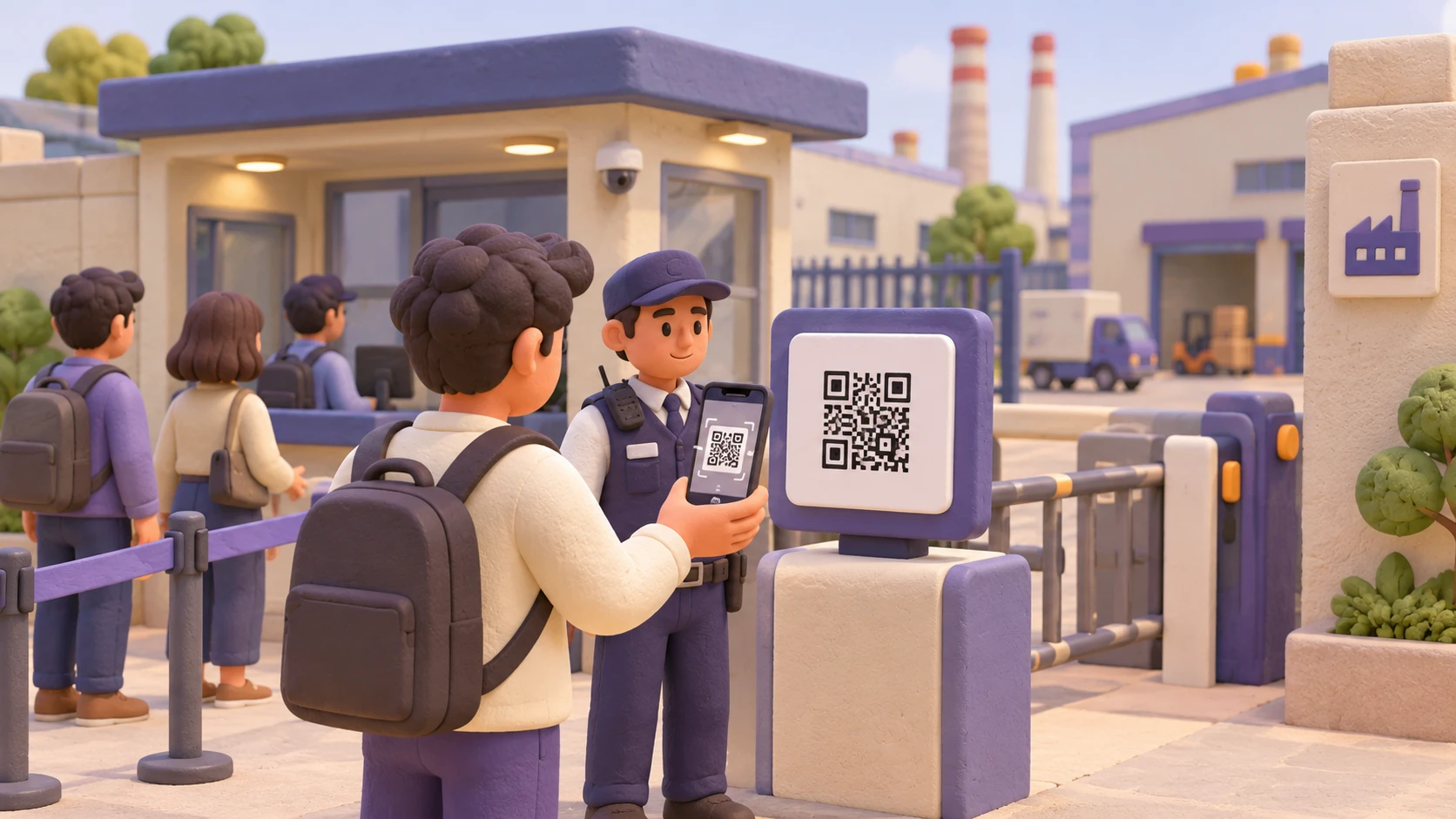
Scan the QR Code
Visitors, vendors and employees scan the designated QR code as part of the facility's camera-security procedure.
The Challenge
In regulated facilities and security-sensitive manufacturing environments, a single unauthorized photograph can expose confidential information, intellectual property or critical operational details.
Personal devices may be used to capture confidential information or restricted areas.
Sensitive manufacturing processes, product designs and operational details may be photographed.
Collecting or confiscating personal phones can create inconvenience for employees, vendors and visitors.
Manual device-control procedures can add complexity to everyday facility access.
Organizations need a way to control camera access and identify attempted application access.
Introducing CamGuard
CamGuard is an enterprise camera-security solution offered under the DeviceBoss brand, designed to help organizations implement camera-free premises policies in security-sensitive facilities.
Through a simple QR-code scan, CamGuard blocks camera functionality on visitor, vendor and employee devices within the designated facility. Camera access can be restored through a QR code or OTP, offering a controlled approach to camera security while maintaining convenience for device users.
When an application attempts to access the camera, the attempt is blocked and flagged immediately.
Scan the QR Code
Visitors, vendors and employees scan the designated QR code as part of the facility's camera-security procedure.
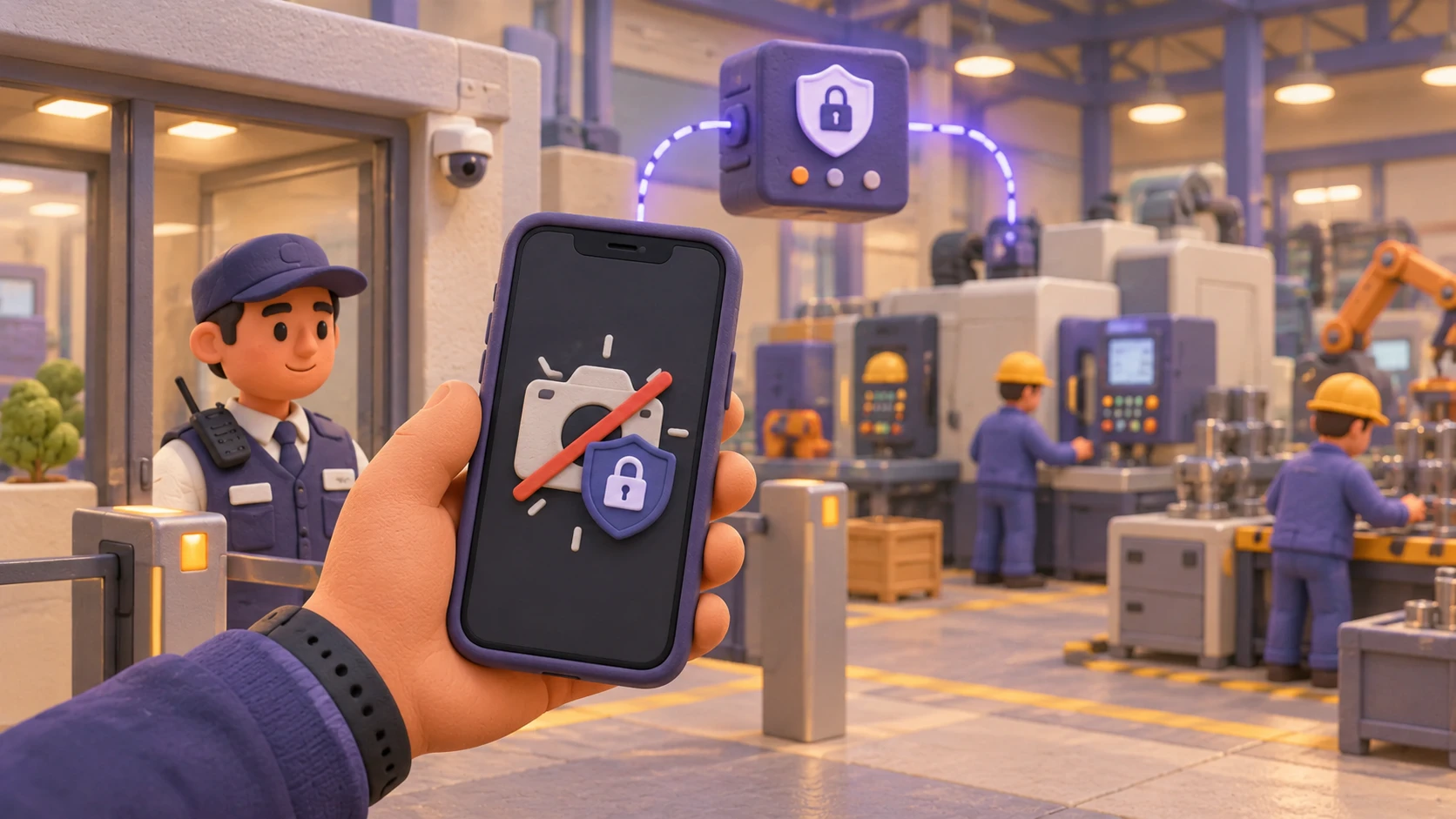
Block Camera Access
CamGuard blocks camera functionality on the enrolled or supported device according to the applicable configuration.

Detect & Flag Camera Access Attempts
When an application attempts to access the camera, the attempt is blocked and flagged immediately.
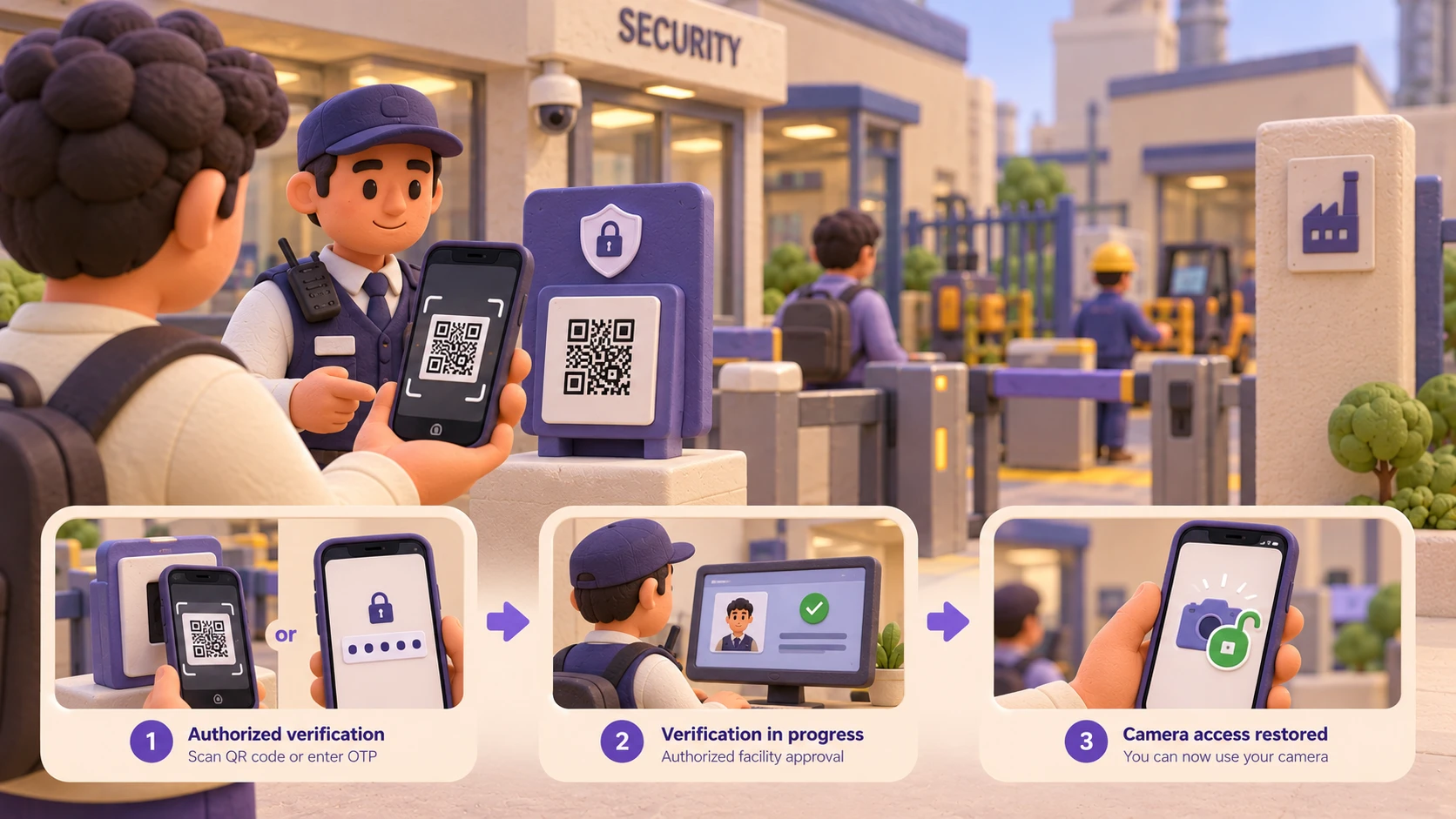
Restore Access Through QR Code or OTP
Camera access can be restored through an authorized QR code or OTP-based process, according to the facility's configured procedure.
Camera-Free Premises
Help enforce camera-free policies in designated facilities where photography restrictions are essential to operational security.
No Need to Confiscate Personal Phones
Reduce reliance on collecting and storing personal smartphones at facility entrances.
QR-Based Camera Blocking
Simplify the camera-security process through a QR-code-based mechanism for supported devices and configurations.
Immediate Blocking & Alerts
Camera-access attempts by applications are blocked and flagged immediately, supporting greater visibility into camera-security events.
Controlled Camera Restoration
Enable camera access to be restored through an authorized QR code or OTP process.
Designed for Enterprise Environments
Address camera-security requirements in manufacturing facilities and other security-sensitive environments.
Help prevent unauthorized photography of production lines, manufacturing processes, machinery and proprietary designs.
Support camera restrictions in environments handling confidential research, product development and intellectual property.
Help protect sensitive equipment, product information and restricted operational areas.
Support camera-free policies in facilities where photography restrictions are part of operational security.
Address camera-control requirements in designated areas where organizations need to restrict image capture.
Apply a consistent camera-security procedure across different categories of people entering the facility, subject to supported device configurations and organizational policies.
Security Without Unnecessary Inconvenience
Help organizations implement camera-security policies without making personal-phone confiscation the default approach.
Simple QR-Based Workflow
Make camera blocking and authorized restoration part of a structured facility-security process.
Designed Around Operational Requirements
Align camera-security procedures with the needs of manufacturing and regulated environments.
Beyond Conventional Facility Controls
Address camera access at the device level, rather than relying exclusively on signage, manual checks or physical device collection.
Supported by Megam Solutions
Benefit from Megam's focus on endpoint security, enterprise technology and customer-oriented implementation support.
Can't find what you're looking for?
Contact us
for any enquiries
CamGuard is an enterprise camera-security solution offered under the DeviceBoss brand. It is designed to help regulated facilities implement camera-free premises policies by blocking camera functionality on supported devices.